


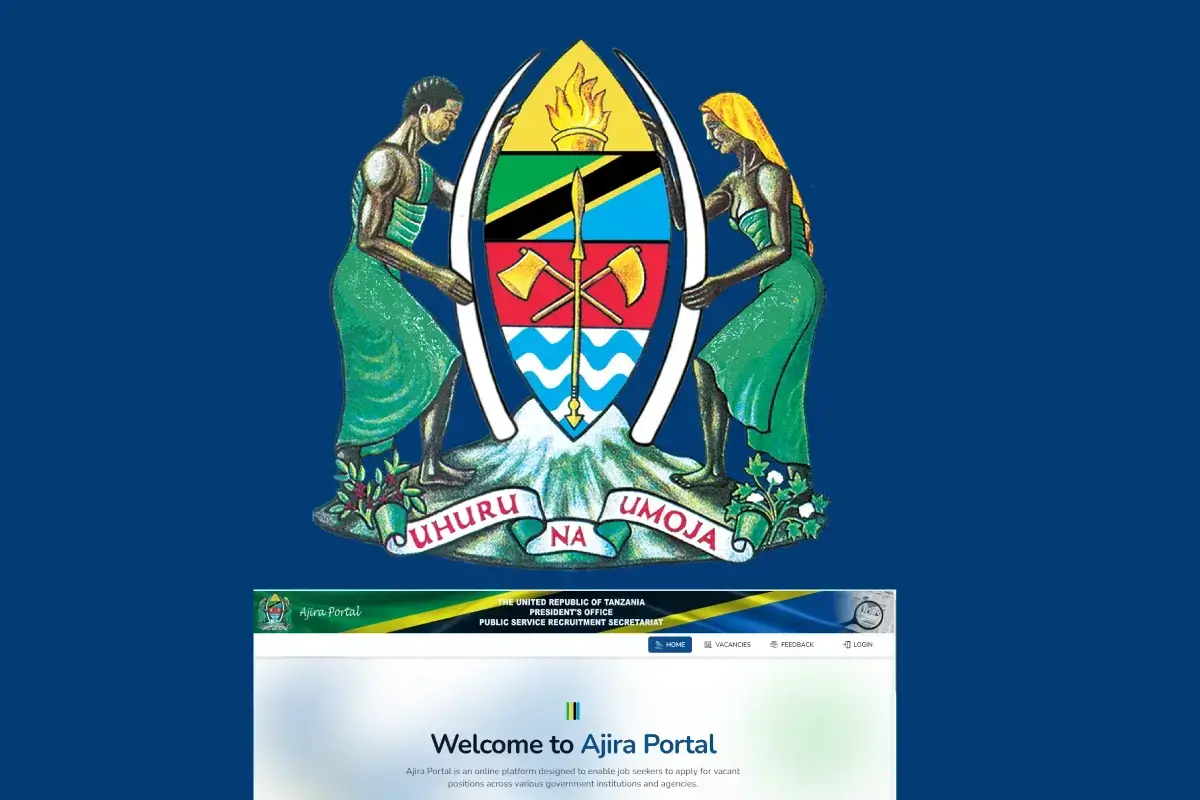
7 Simple Steps to Apply for Jobs on the Ajira Portal Tanzania
The Ajira Portal Tanzania is the official government platform used to advertise and process applications for public service jobs. Managed by the President’s Office – Public Service Management and Good Governance, the portal has simplified the recruitment process by allowing applicants to submit job applications online.
If you are planning to apply for government jobs in Tanzania, understanding how to properly use the Ajira Portal is essential. Below are seven simple steps that will guide you through the job application process successfully.
Step 1: Visit the Official Ajira Portal Website
The first step is to access the official Ajira Portal through your internet browser. Always ensure that you are using the legitimate government website to avoid fraud or fake job advertisements.
Once you open the portal, you will see options for logging in or creating a new account. If you are a new user, you must register before applying for any job.
Step 2: Create Your Ajira Portal Account
To apply for jobs, you need to create a personal account on the portal. During registration, you will be required to provide important personal details such as:
- Full name
- Email address
- National Identification Number (NIDA)
- Phone number
- Password for your account
After filling in the required information, submit your registration and wait for confirmation. Make sure you use an active email address because it will be used for communication and account verification.
Step 3: Verify Your Email and Activate Your Account
After registering, the Ajira Portal system will send a verification link to your email address. Open your email inbox and click the verification link to activate your account.
This step is very important because you cannot access your account or apply for jobs until your email is verified. If you do not see the email, check your spam or junk folder.
Step 4: Complete Your Profile Information
Once your account is activated, log in and complete your personal profile. This is one of the most important steps because employers use this information to evaluate your qualifications.
You will be required to provide:
- Personal details
- Educational background
- Professional qualifications
- Work experience (if available)
- Skills and competencies
Make sure all information is accurate and matches your official documents. An incomplete or incorrect profile may reduce your chances of being shortlisted.
Step 5: Upload Required Documents
After completing your profile, the next step is uploading your supporting documents. These usually include:
- Curriculum Vitae (CV)
- Academic certificates
- Professional certificates
- Birth certificate
- National ID or NIDA number
Ensure your documents are clear, properly scanned, and uploaded in the correct format, usually PDF. Poor-quality or incorrect documents can lead to application rejection.
Step 6: Search for Available Job Vacancies
Once your profile and documents are ready, you can start searching for job opportunities. The Ajira Portal allows you to search for vacancies based on:
- Job category
- Education level
- Institution or ministry
- Job title
Carefully read the job description, responsibilities, and qualifications required before applying. Only apply for jobs that match your qualifications and experience.
Step 7: Submit Your Job Application and Track Progress
After selecting a suitable job vacancy, click the Apply button and submit your application. Before final submission, review all information to ensure everything is correct.
After applying, you can monitor your application status through the My Applications section. This section allows you to check:
- Application submission confirmation
- Shortlisting results
- Interview announcements
- Additional recruitment updates
Regularly checking your application status helps you stay informed and prepared for the next stage of recruitment.
Important Tips for Successful Ajira Portal Applications
To improve your chances of success, consider the following tips:
- Always keep your profile updated
- Upload clear and valid documents
- Apply before the application deadline
- Use a professional and active email address
- Regularly check the portal for new job announcements
How to Prepare a Strong Application
Need help creating a professional CV?
Use the CV Writing Tool available on Wikihii to:
- Create modern and professional CV templates
- Improve your CV structure and organization
- Receive professional formatting guidance
- Increase your chances of getting shortlisted
Conclusion
Applying for government jobs through the Ajira Portal Tanzania is a straightforward process when you follow the correct steps. The portal has made job applications more accessible, transparent, and efficient for all Tanzanian job seekers.
By creating a complete profile, uploading the correct documents, and carefully applying for suitable vacancies, you can significantly increase your chances of securing employment in the public sector.